
Lolobuy Spreadsheet runs like a rail you flip category by category
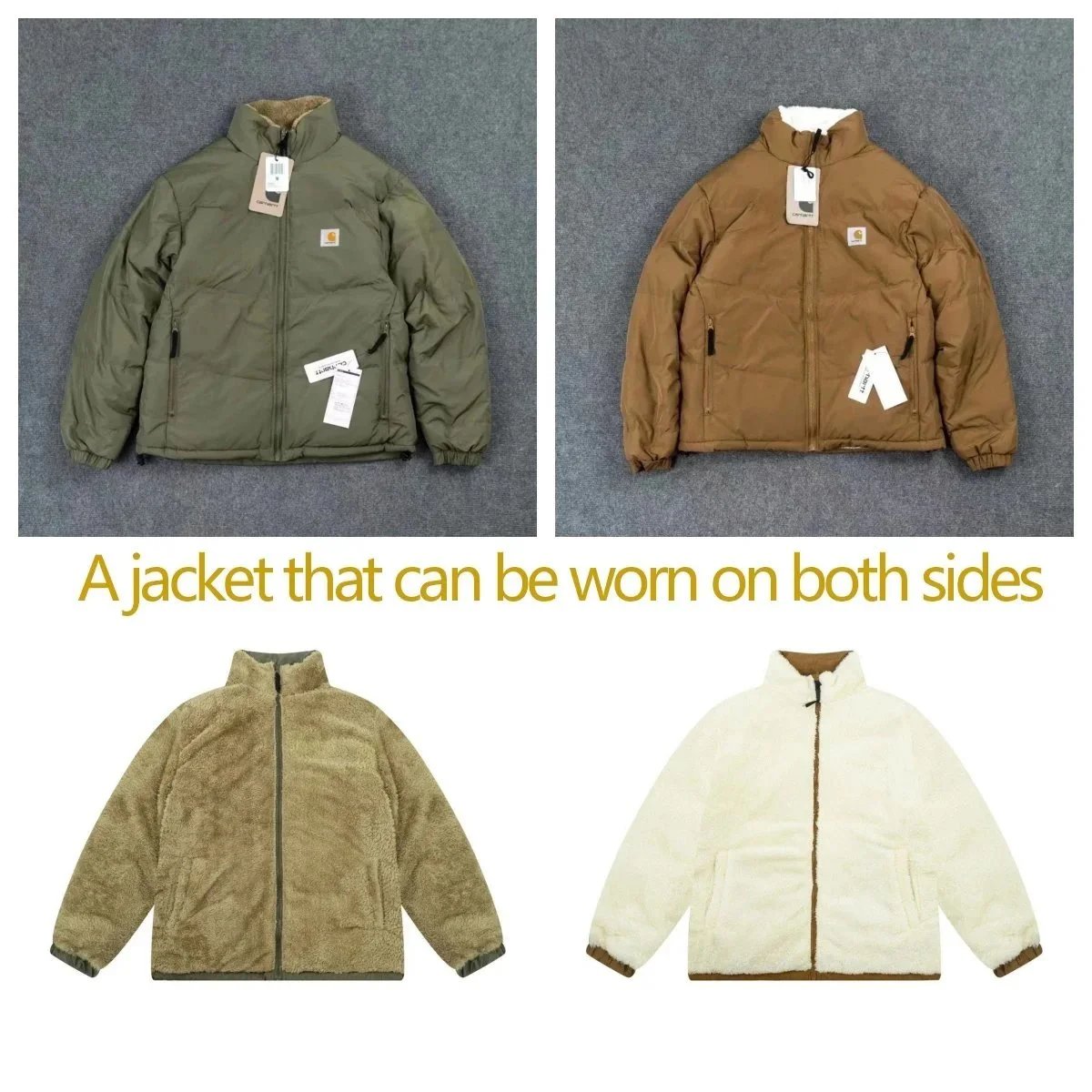
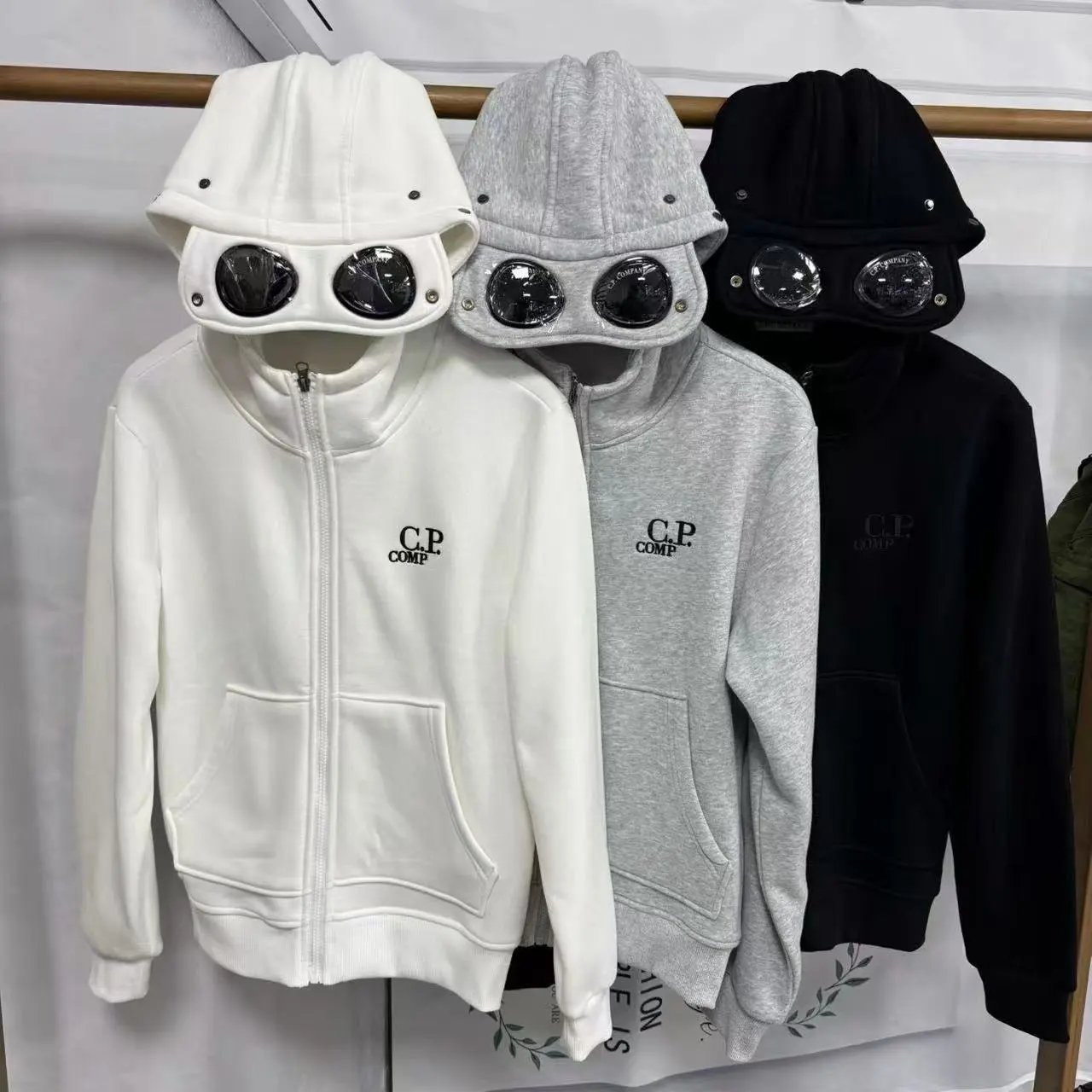
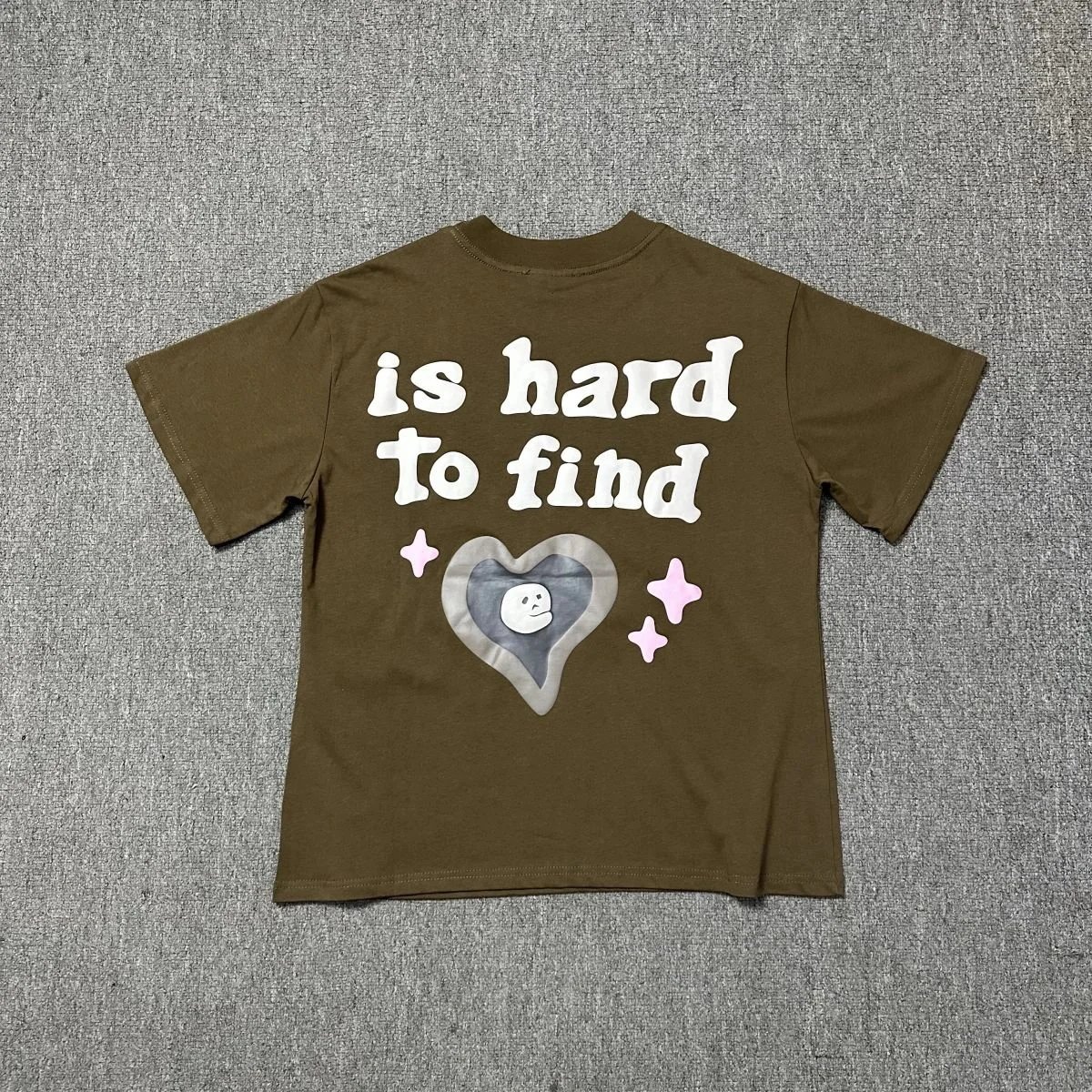
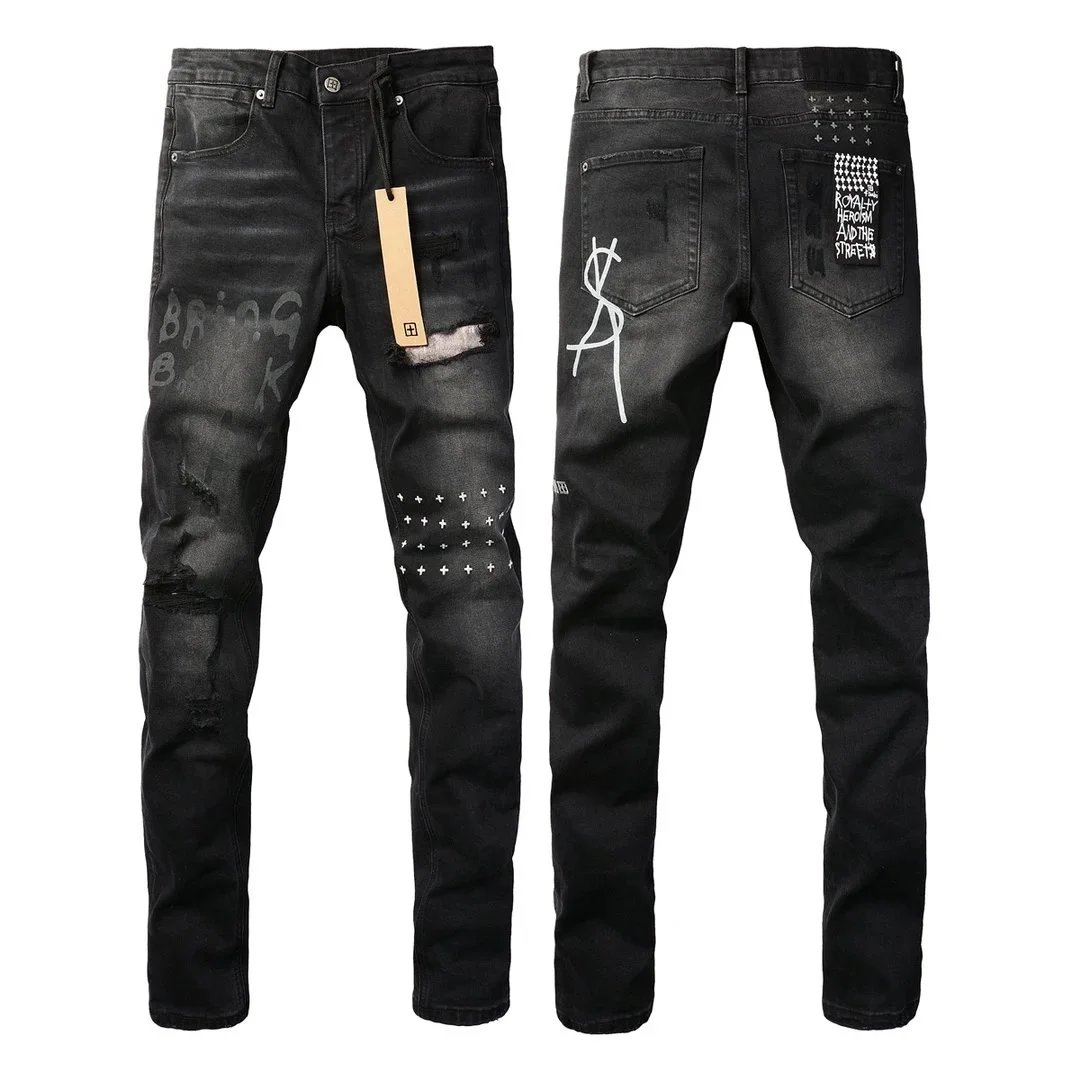
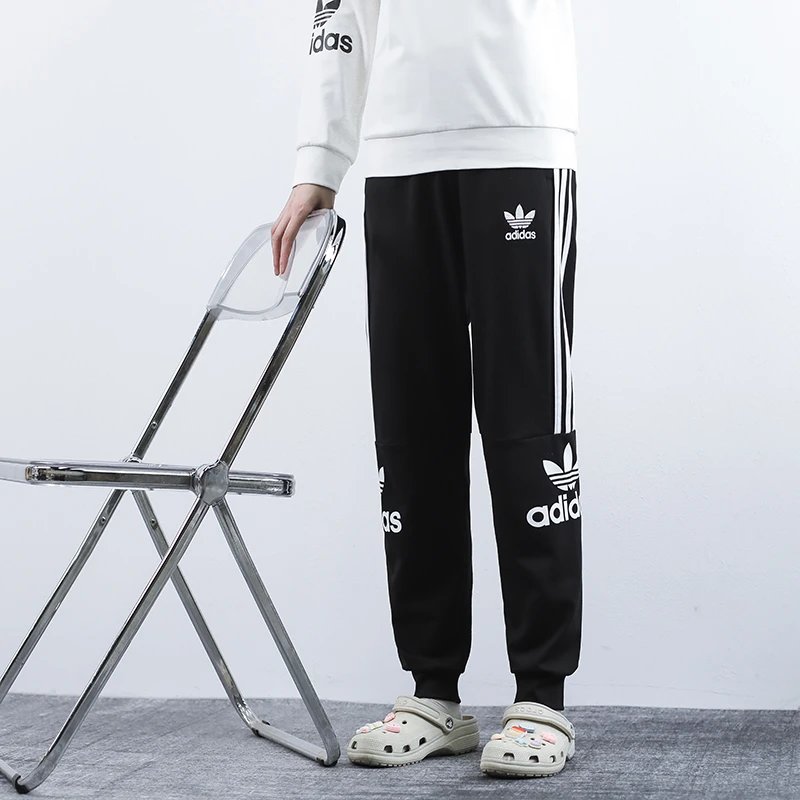
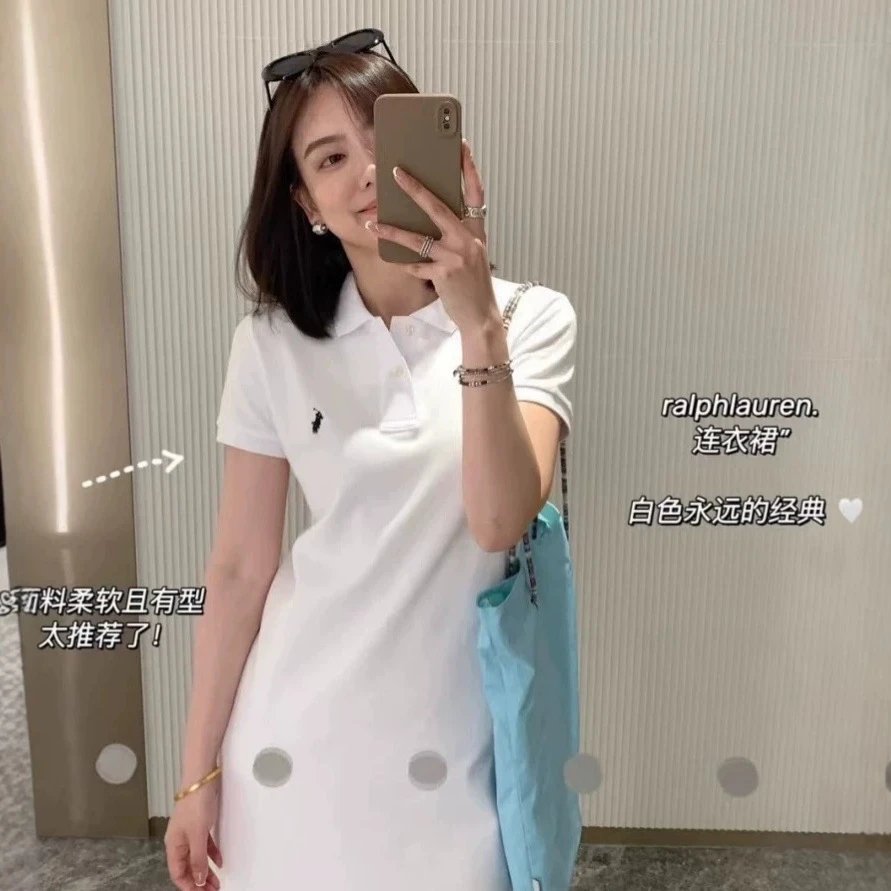
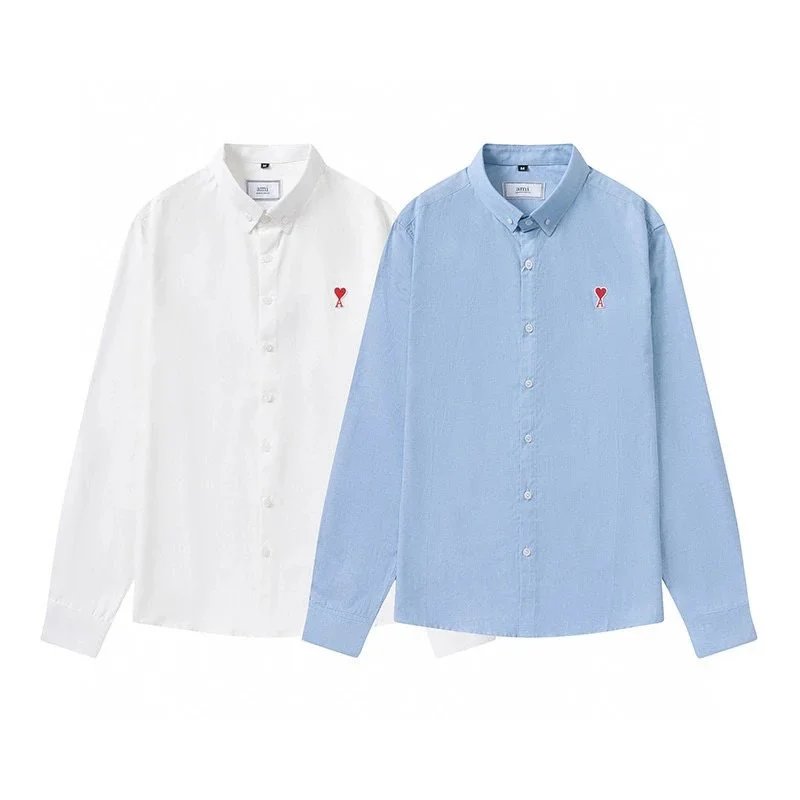
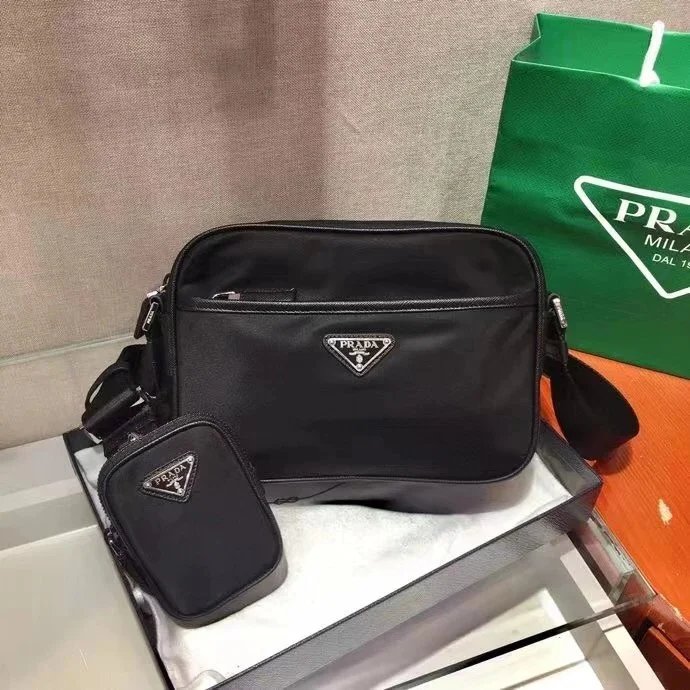
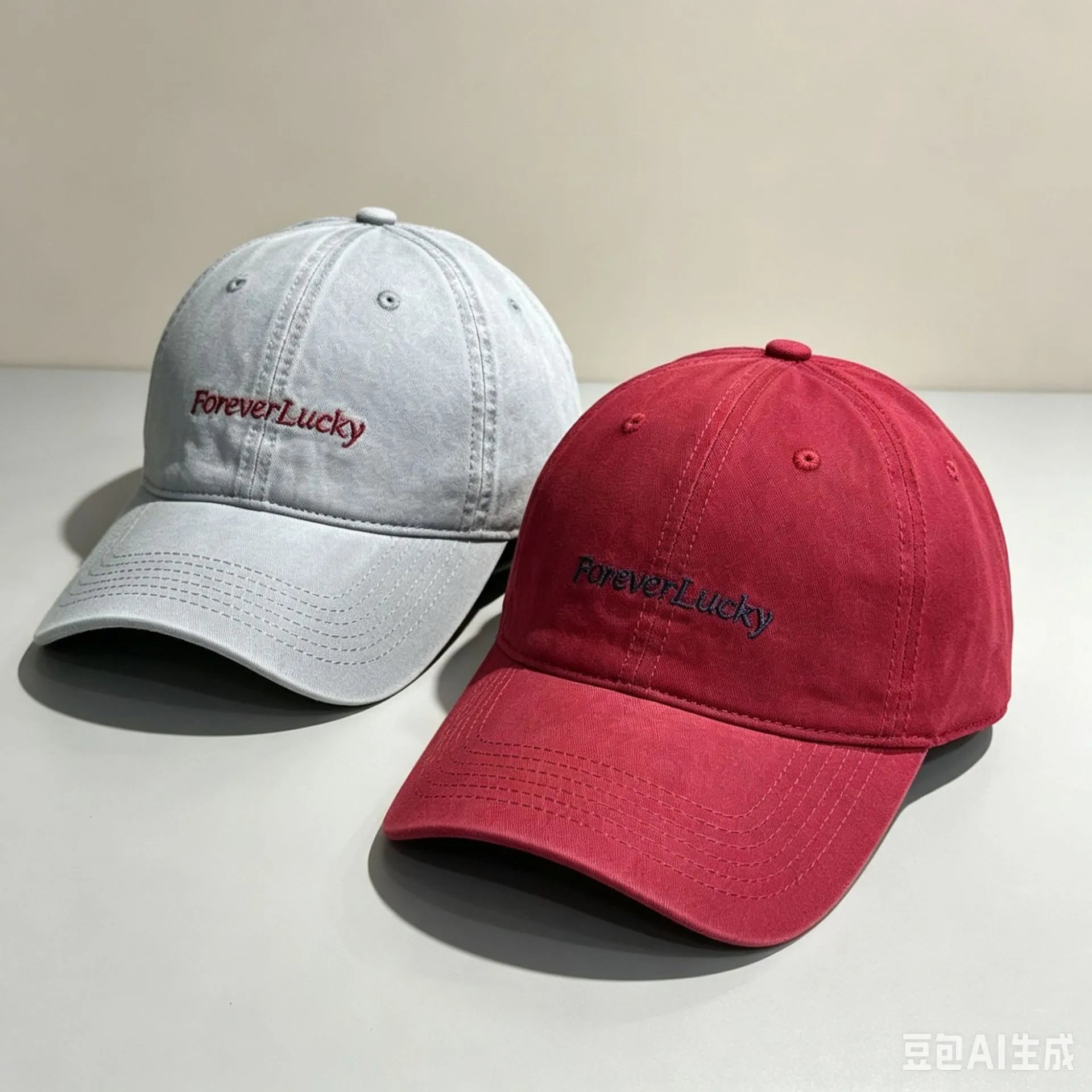
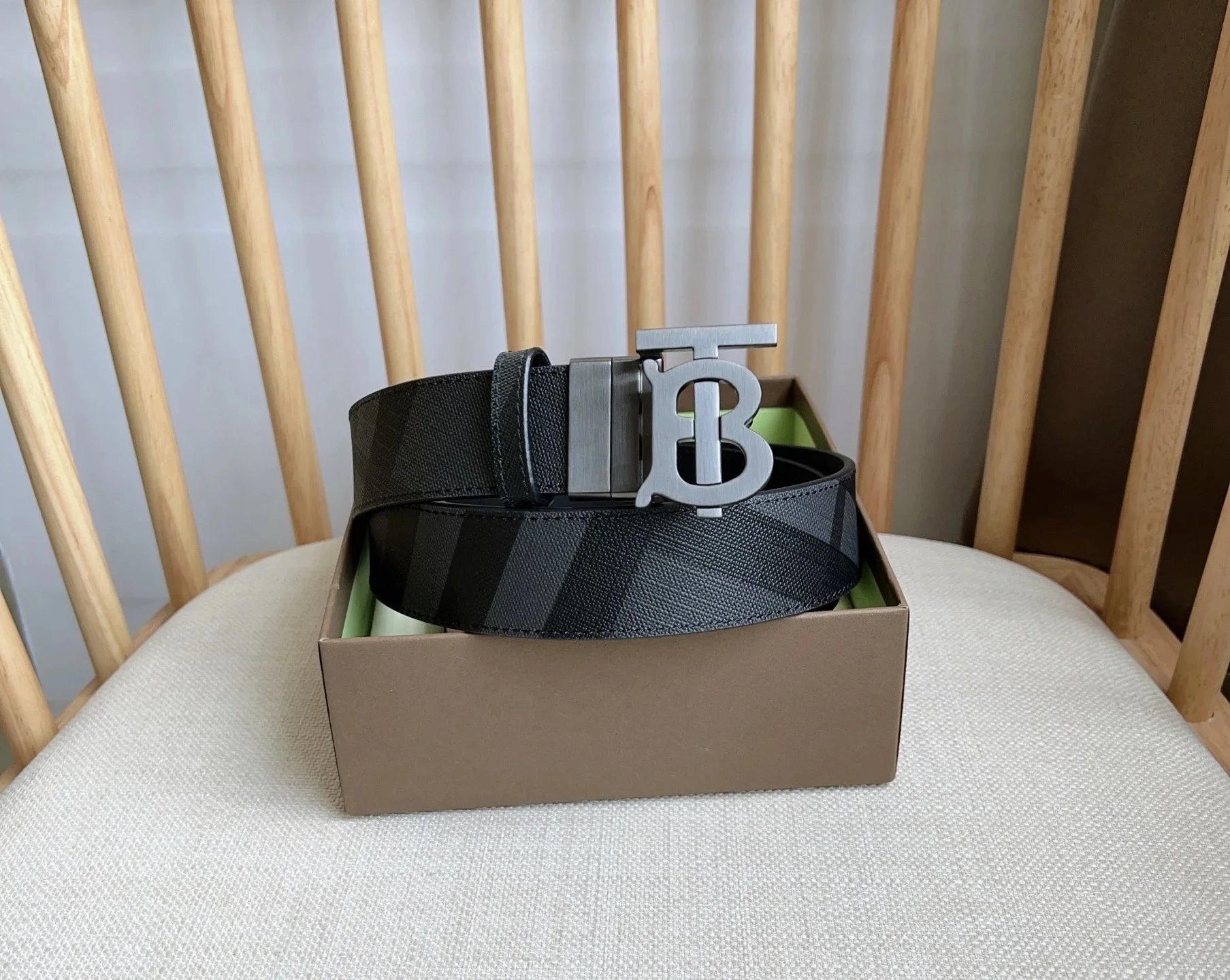
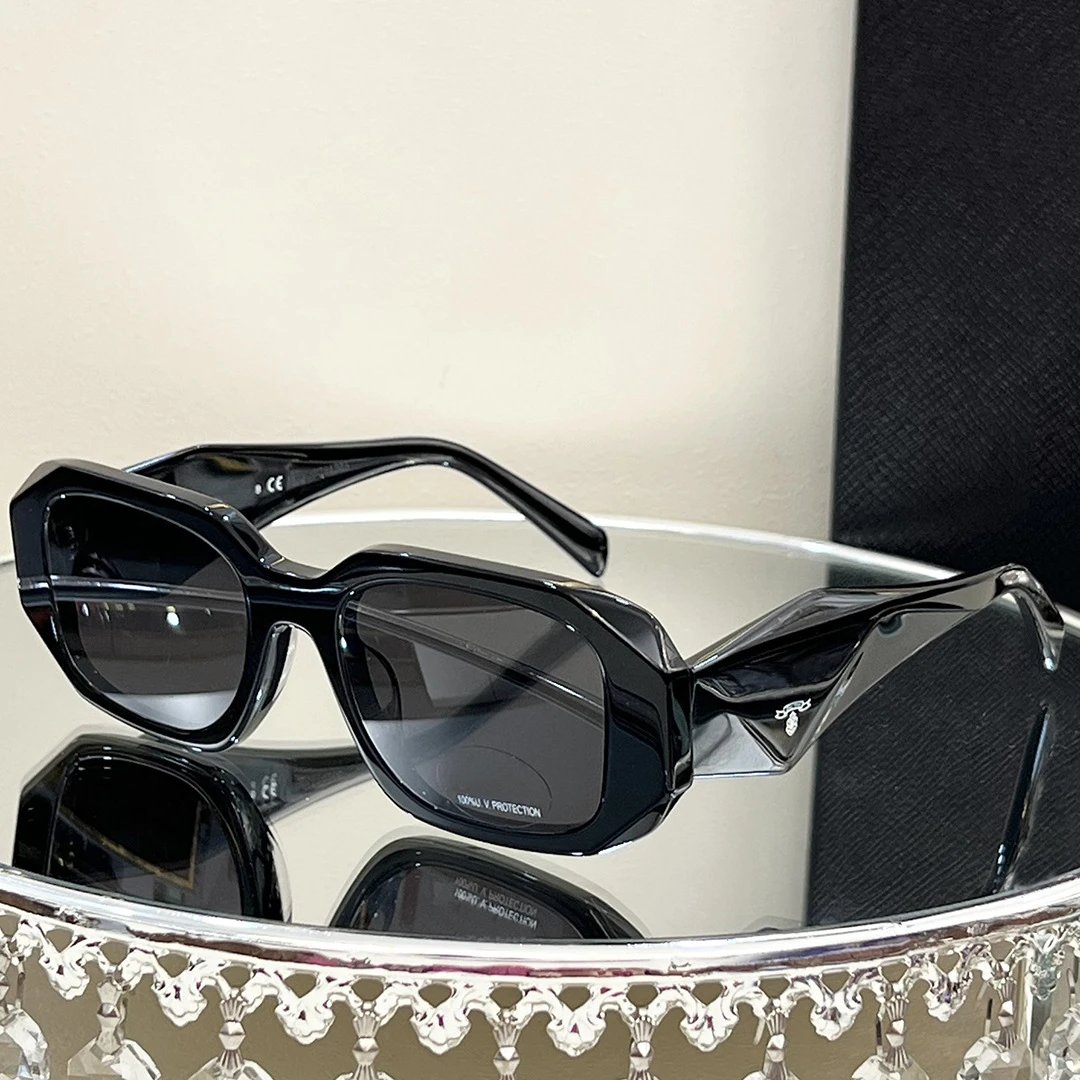
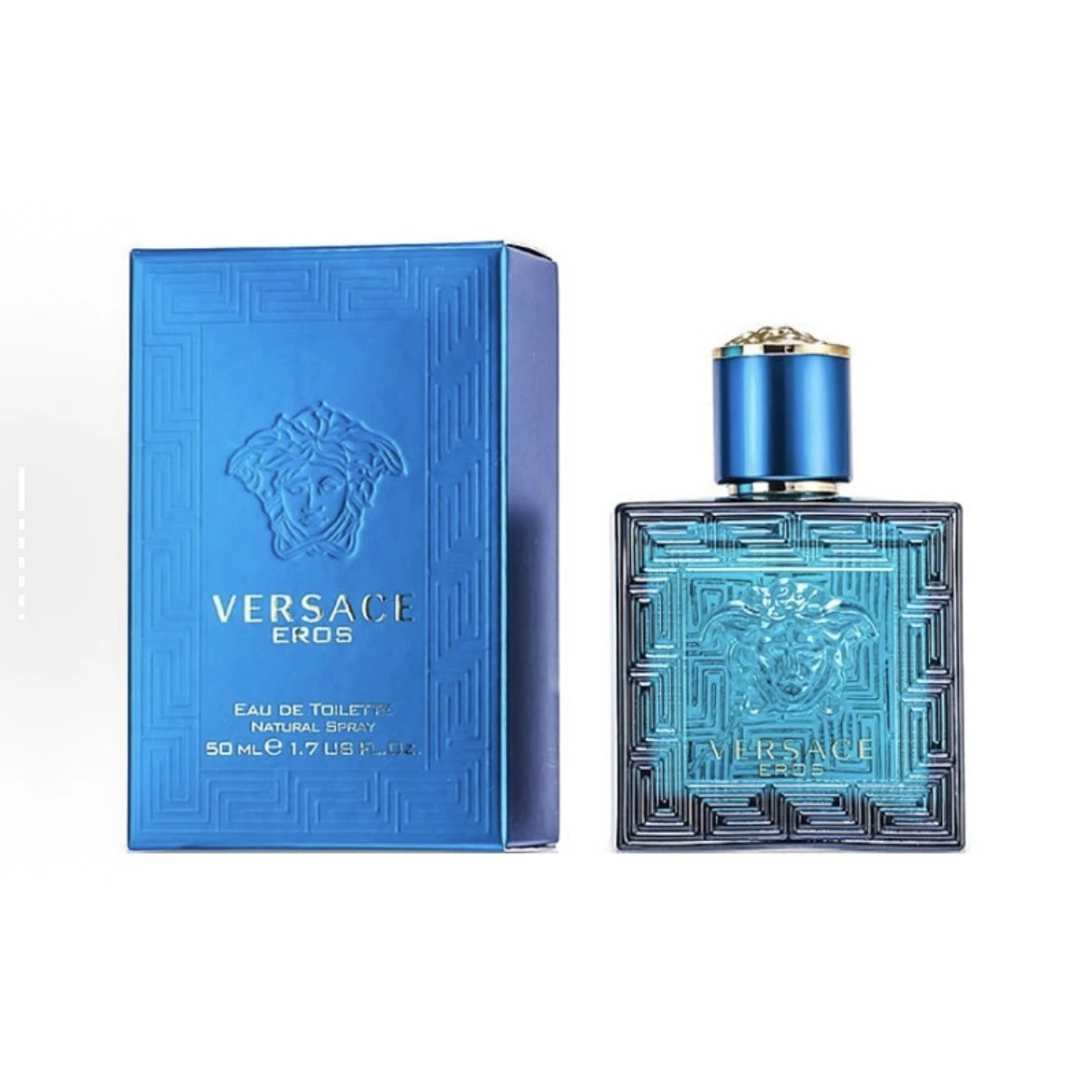
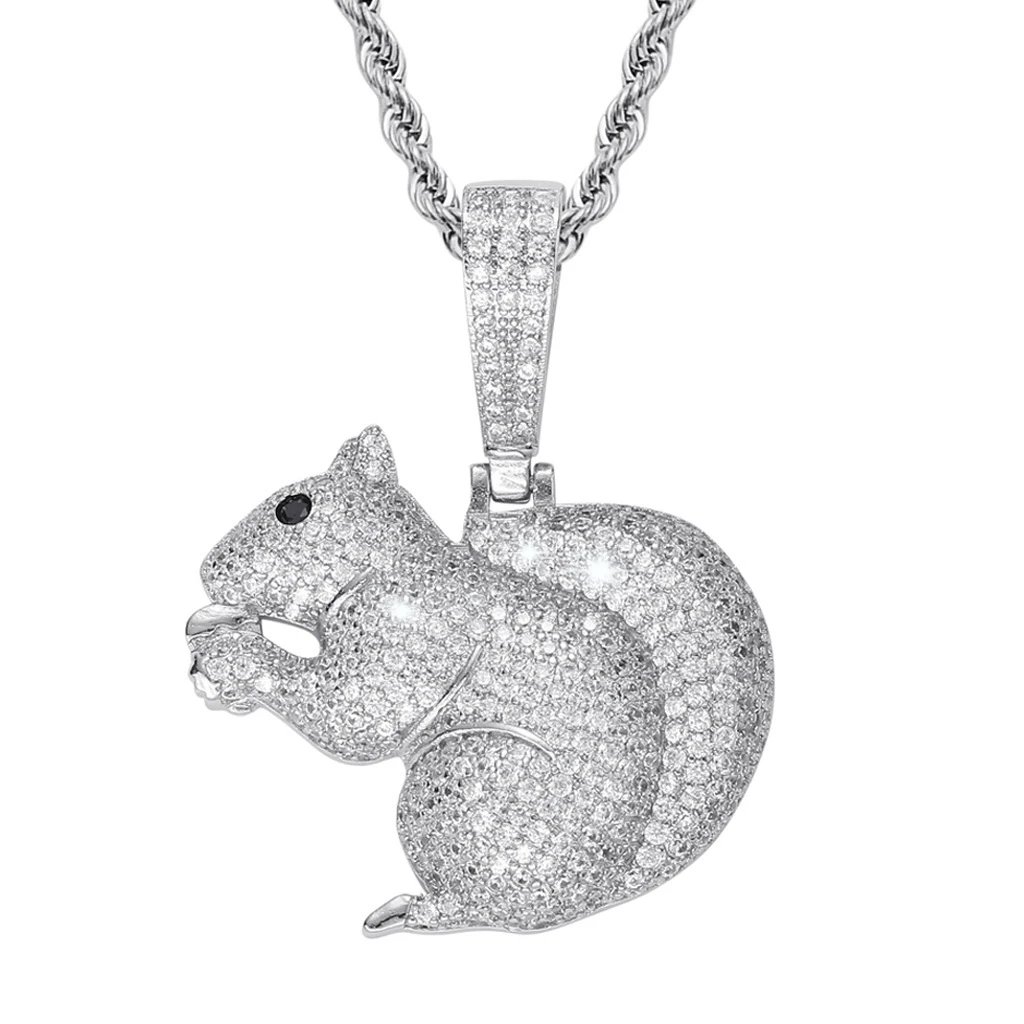
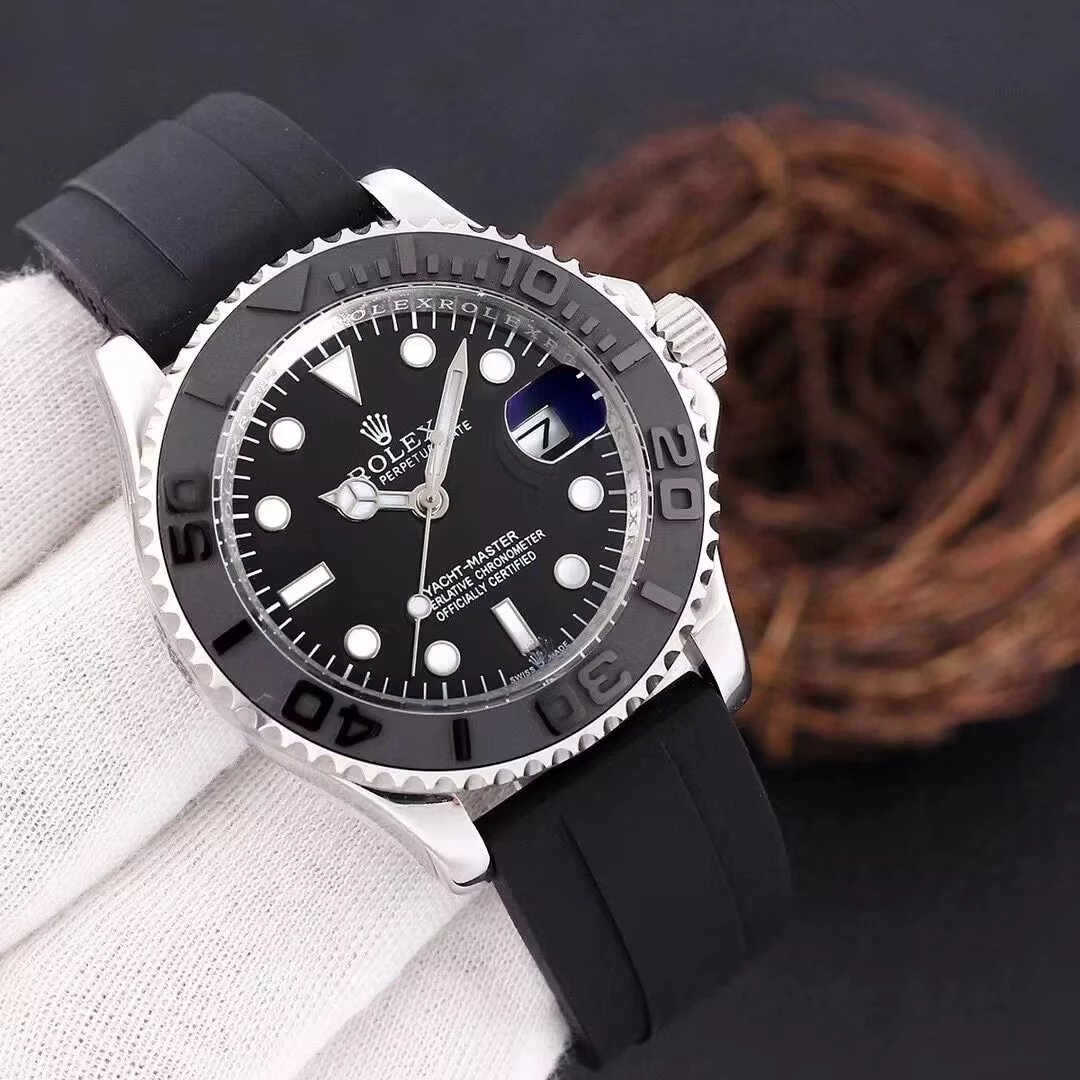
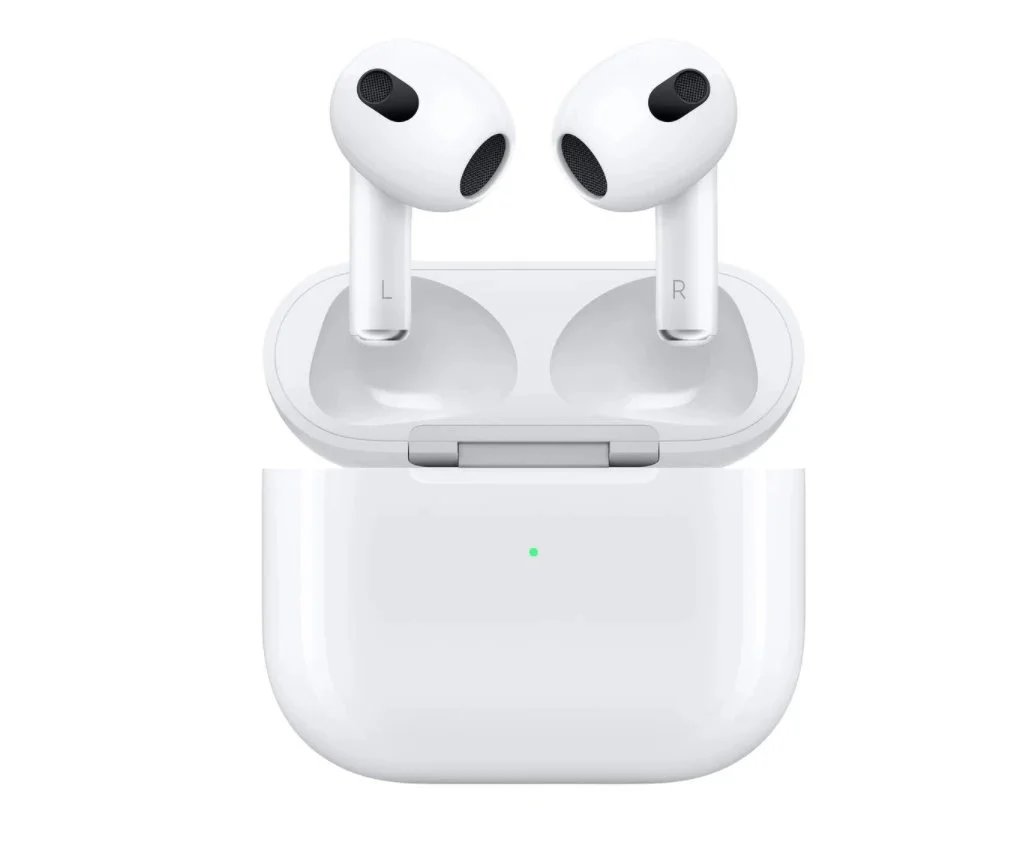
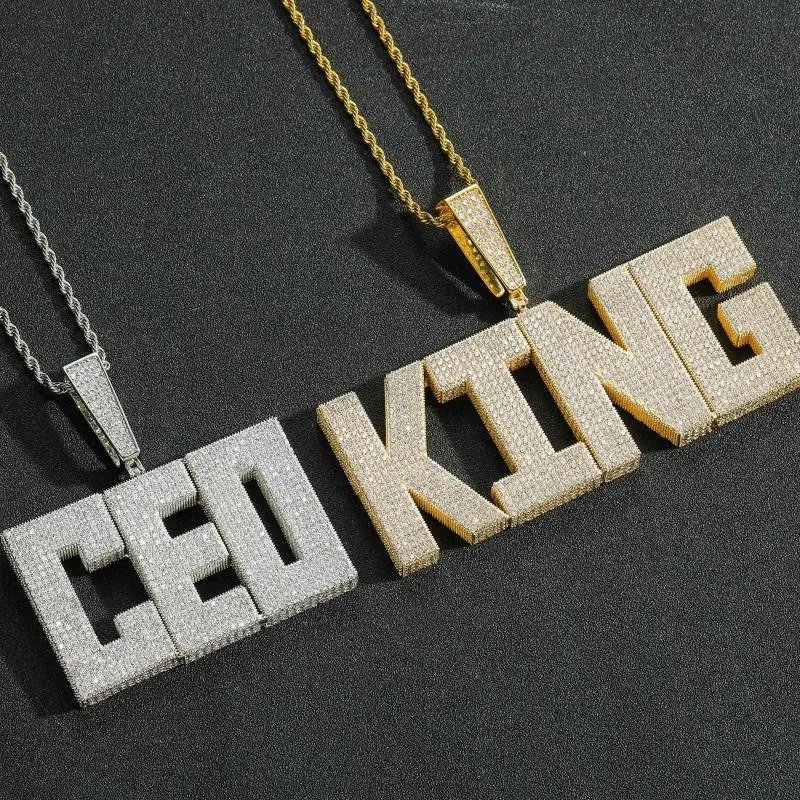
Sixteen rails, two pieces hung on each one, a short line on why it is there and what the quality-check photos should show before you order. No long scroll — pick a rail, read the tag, move to the next.
Searches run on the shared product catalogue, not on this page — plain nouns work better than a seller's shorthand title.
A quick preview, one card per rail
See every rail and its full tag count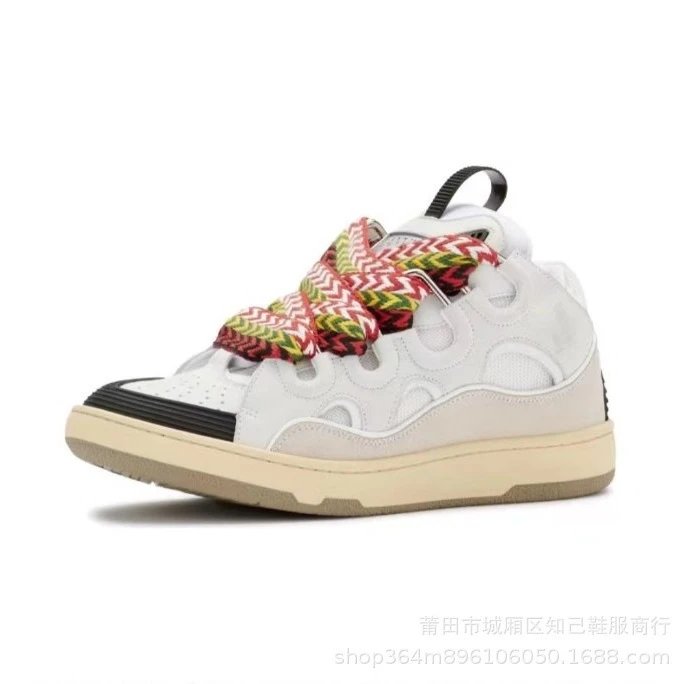
What this Spreadsheet is
What is a Lolobuy Spreadsheet?
This Spreadsheet is a category directory with product notes; Lolobuy is the agent that buys from the seller, receives the goods and arranges onward shipping. Use a rail to shortlist an item and identify the variant and QC question that matter. Confirm those details on the linked listing before ordering through Lolobuy. This site does not take the goods or freight payment.
Most Spreadsheet sites run one long list and let you scroll. This one is organised as sixteen rails — one per product category — so a visit that starts at the sneaker rail can end there without you wading through jewellery and electronics to get back out. Each tag names the piece, states the listed price, gives one line on why it earned a spot, and lists two or three quality-check points worth looking for once the warehouse photos come in.
How to use Lolobuy and this Spreadsheet
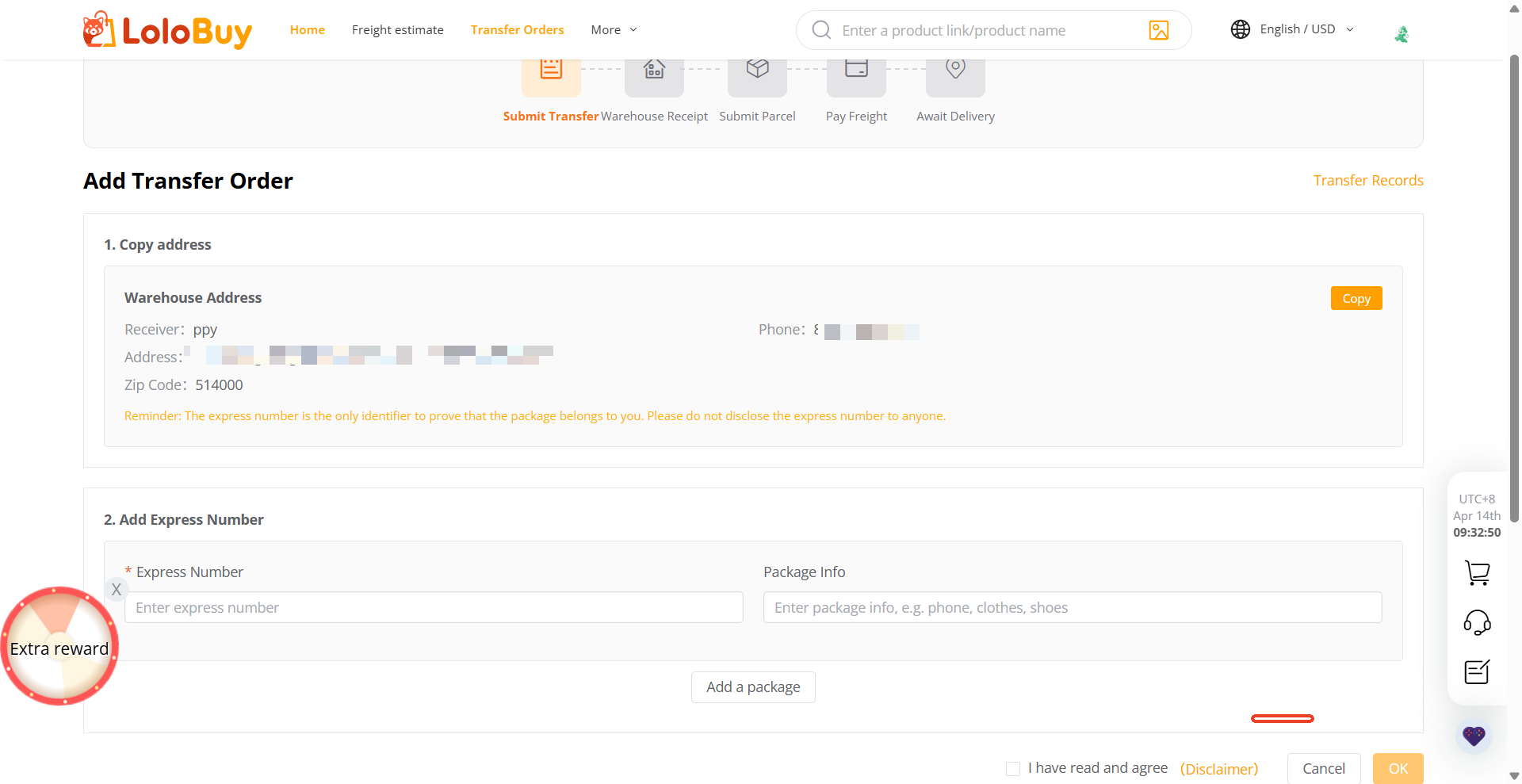
How a find becomes a Lolobuy order and parcel
Start with the exact listing, size, colour and quantity. The first payment covers the goods and seller delivery to the warehouse. When the warehouse photos arrive, check the selected option and request a missing view before committing to dispatch. Parcel submission and international freight payment come later, after choosing eligible items, packing and a route. The guide shows each screen and explains which decisions remain reversible.
QC before it ships
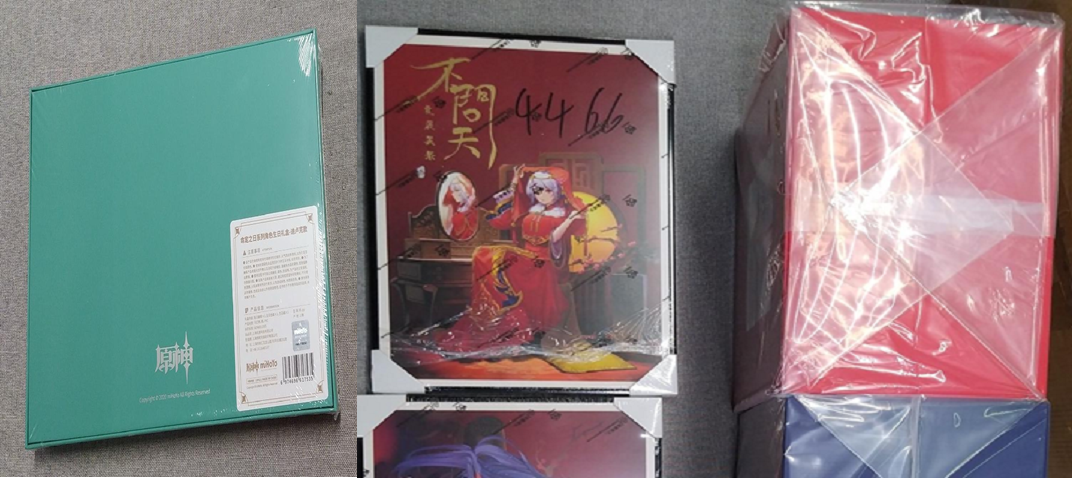
Warehouse photos are where a wrong order gets caught
Lolobuy's help centre promises five quality-check photos by default, plus three more for parcels headed overseas, and says extra shots are free on request — though a separate price list inside the account area also lists a paid "fine photo" add-on, so treat "free" as the default tier rather than an unlimited one. The photo-standard reference shows exactly what angles to expect for clothes, shoes, electronics, and bags.
From the official channel
From the official channel: posts and clips
Lolobuy's YouTube channel has been posting weekly since its public launch on 22 May 2026 — order walk-throughs, warehouse clips, and short product announcements. The Android and iOS apps both went live in July 2026, and the clip below is the channel's own launch announcement rather than a trailer we cut.
Community chatter about a platform this young is thin outside the official channel and its Discord — see Updates for what we can actually confirm, and Other agents, briefly if Lolobuy's current route or category list does not fit what you are shipping.